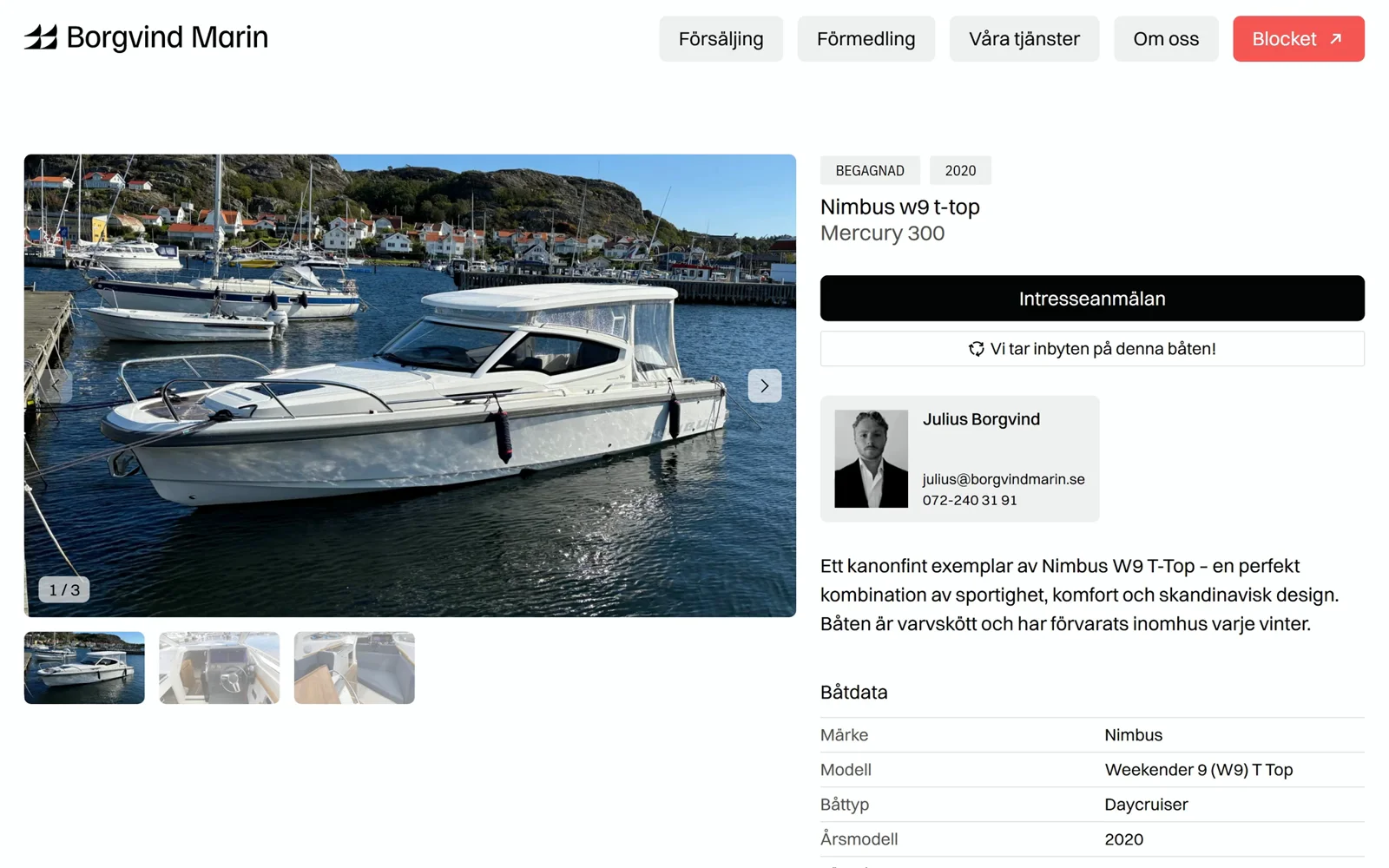
On a Nimbus W9 T-Top's page, the photo gallery steps forward two photos, the page scrolls to the spec sheet, and the first group of specifications opens.
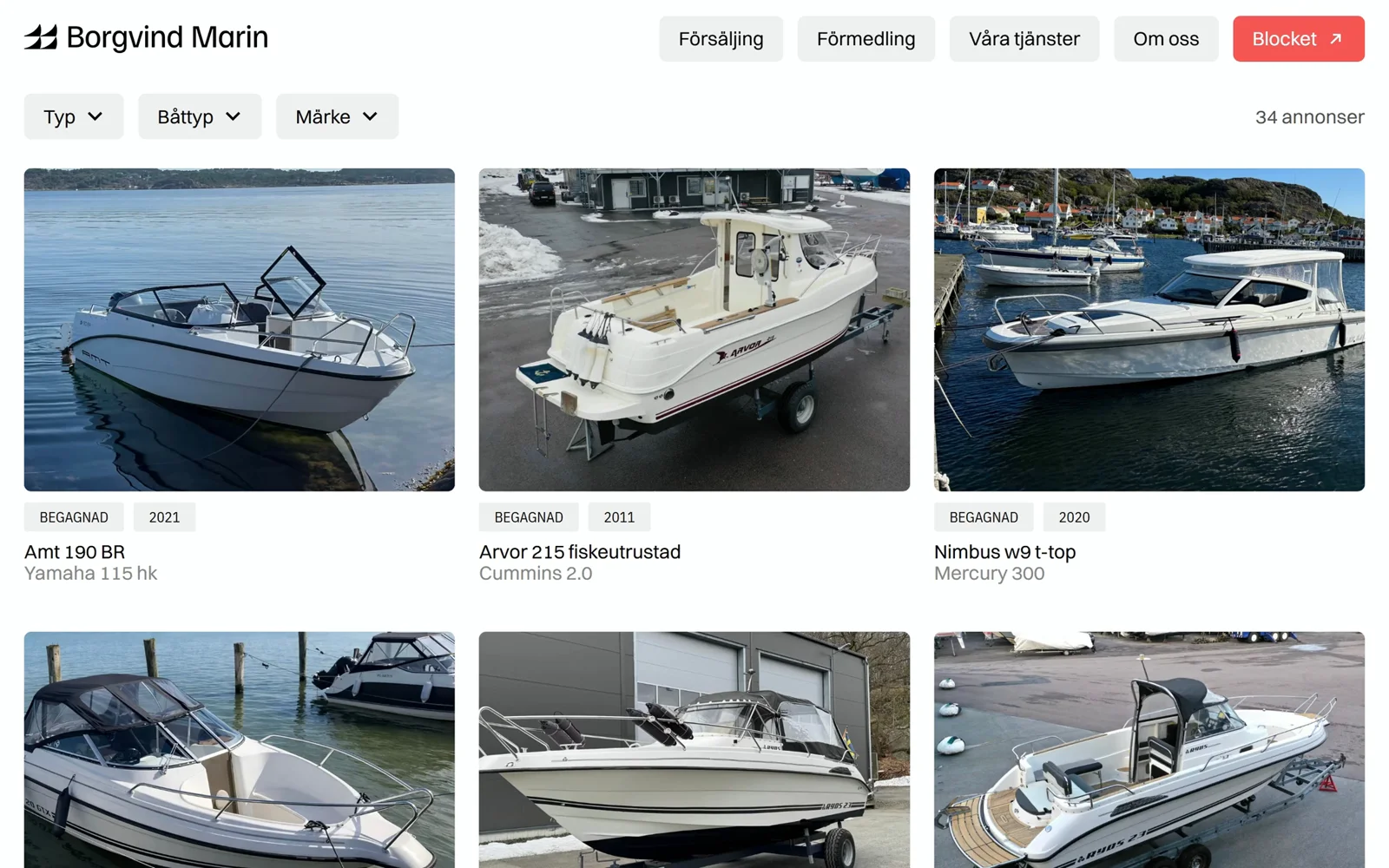
On the listings page, the boat type filter opens, Walkaround and Styrpulpet are chosen, and the grid narrows to the matching boats.
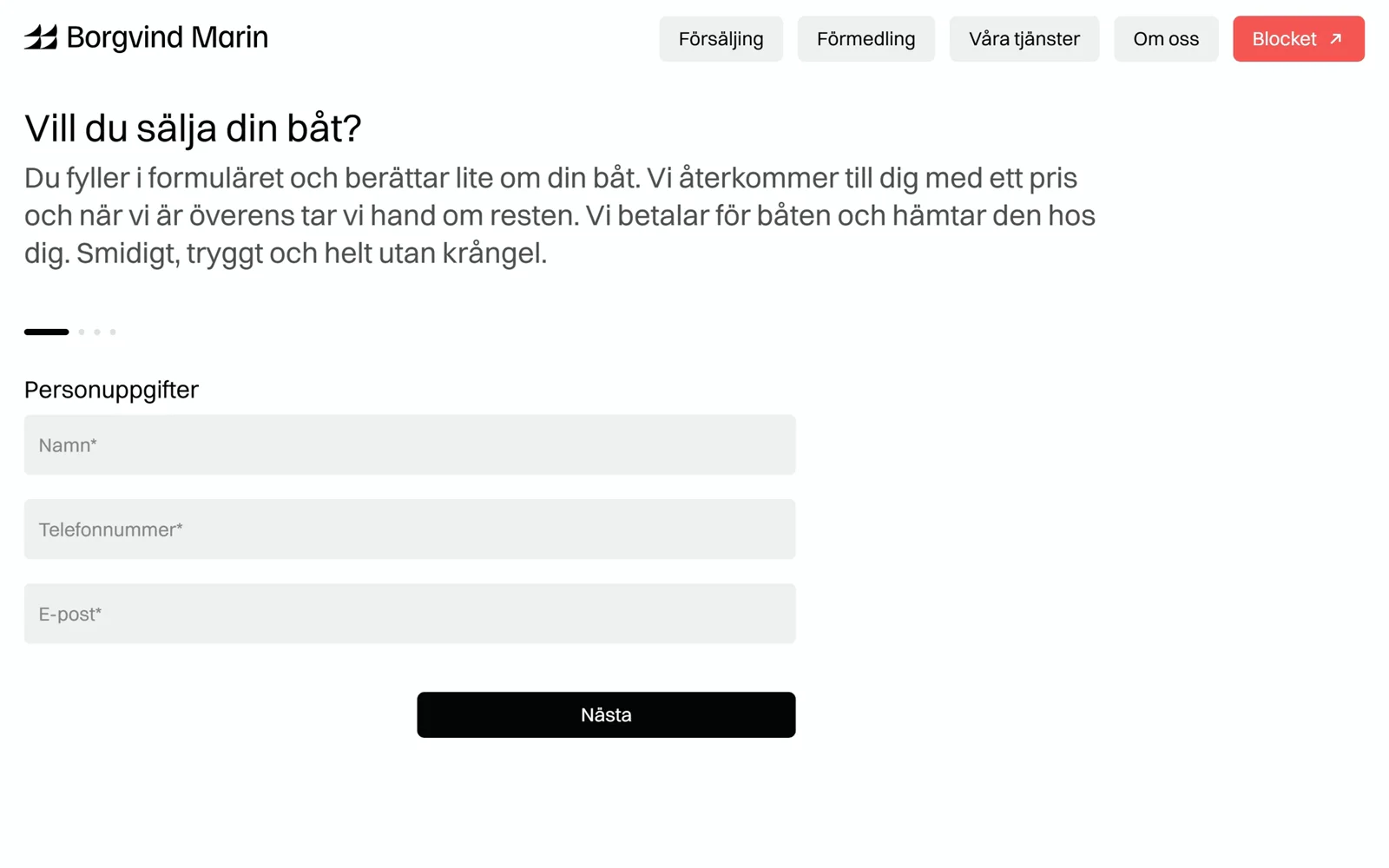
The sell-your-boat form is filled in step by step: contact details, the boat and its engine, the asking price and location, ending on the last step. Nothing is sent.
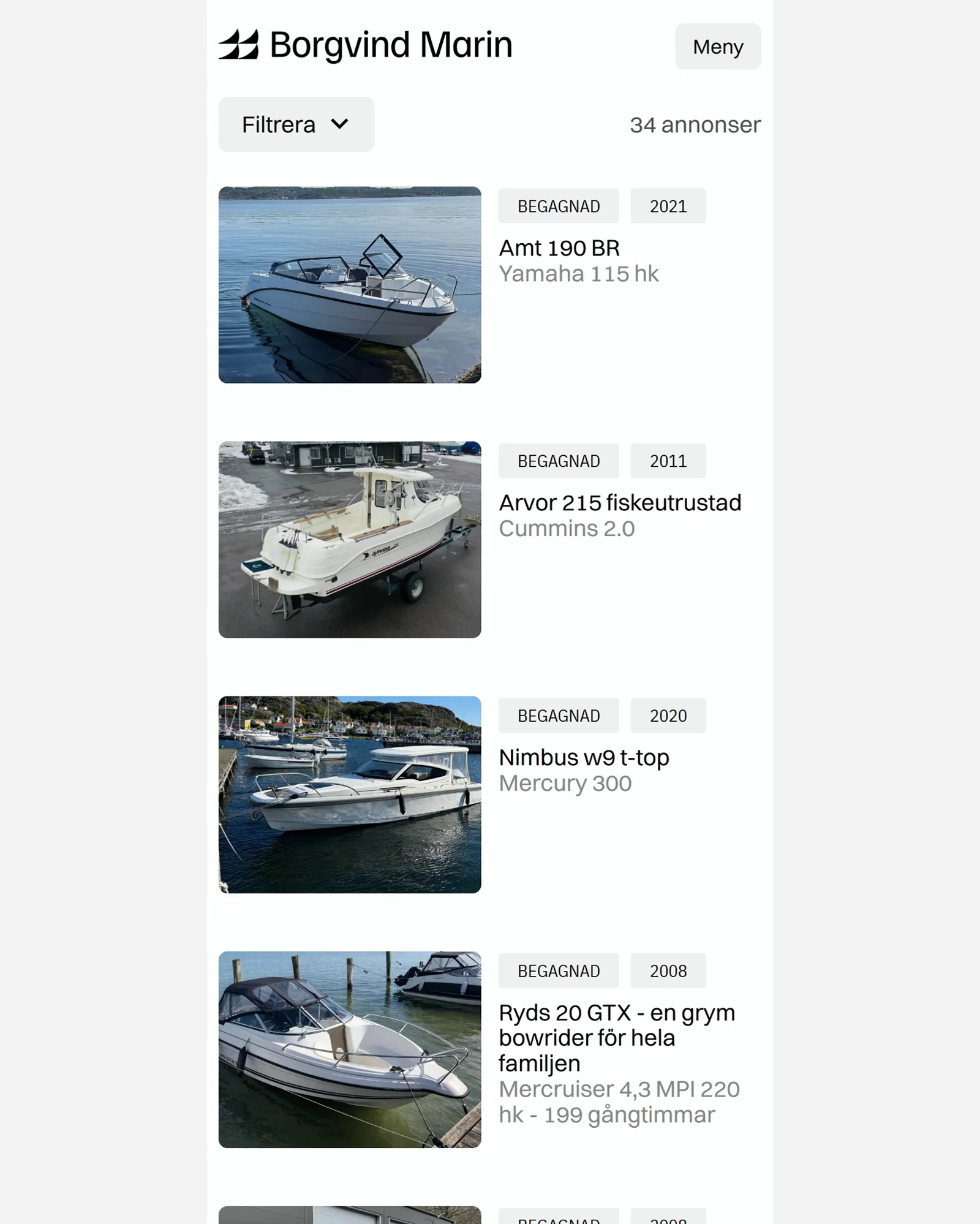
On a phone, the filter sheet opens over the listings, Walkaround and Styrpulpet are chosen, and the filtered boats are swiped through.
Borgvind Marin home page: the heading Din båtpartner på Västkusten above a wide photograph of a motorboat at sea
Borgvind Marin home page scrolled to a row of four boats for sale, with the services section starting below
Borgvind Marin home page: an aerial photograph of a marina beside a short text about the company
Three phone screens on black: the home page, the listings and a boat page
Borgvind Marin listings page: filter buttons for type, boat type and brand above a three-column grid of 34 boats
Listings page with the boat type filter open and Walkaround chosen; the grid shows the six matching boats
Boat page for an Aquador 23 DC: a large photograph with thumbnails beside the title, an enquiry button, the seller's contact details and the description
Three phone screens on black: the open menu, the filter drawer with Walkaround chosen and a boat's spec sheet
Boat page for a Nimbus W9 T-Top scrolled to its spec sheet: boat data, engine data and equipment groups, the first one open
Enquiry dialog over a boat page: fields for name, email, phone and message, and a send button
Sell your boat page: step two of a four-step form, with the boat's make, model and engine filled in
Three phone screens on black: the services page, boats for sale on the home page and the sell-your-boat form

Fin.