Johan Axelsson

Design engineer

On the Koja about page, a link opens a photo in a window, and a second click opens another on top of it. The second window is pulled wider and its photo stretches with it, then the contact form opens in a third window.
On the Koja projects page, the list of projects rearranges into a gallery of thumbnails and back into the list.
The pointer moves down three rows of the project list; each row turns black with white text while the pointer is on it.
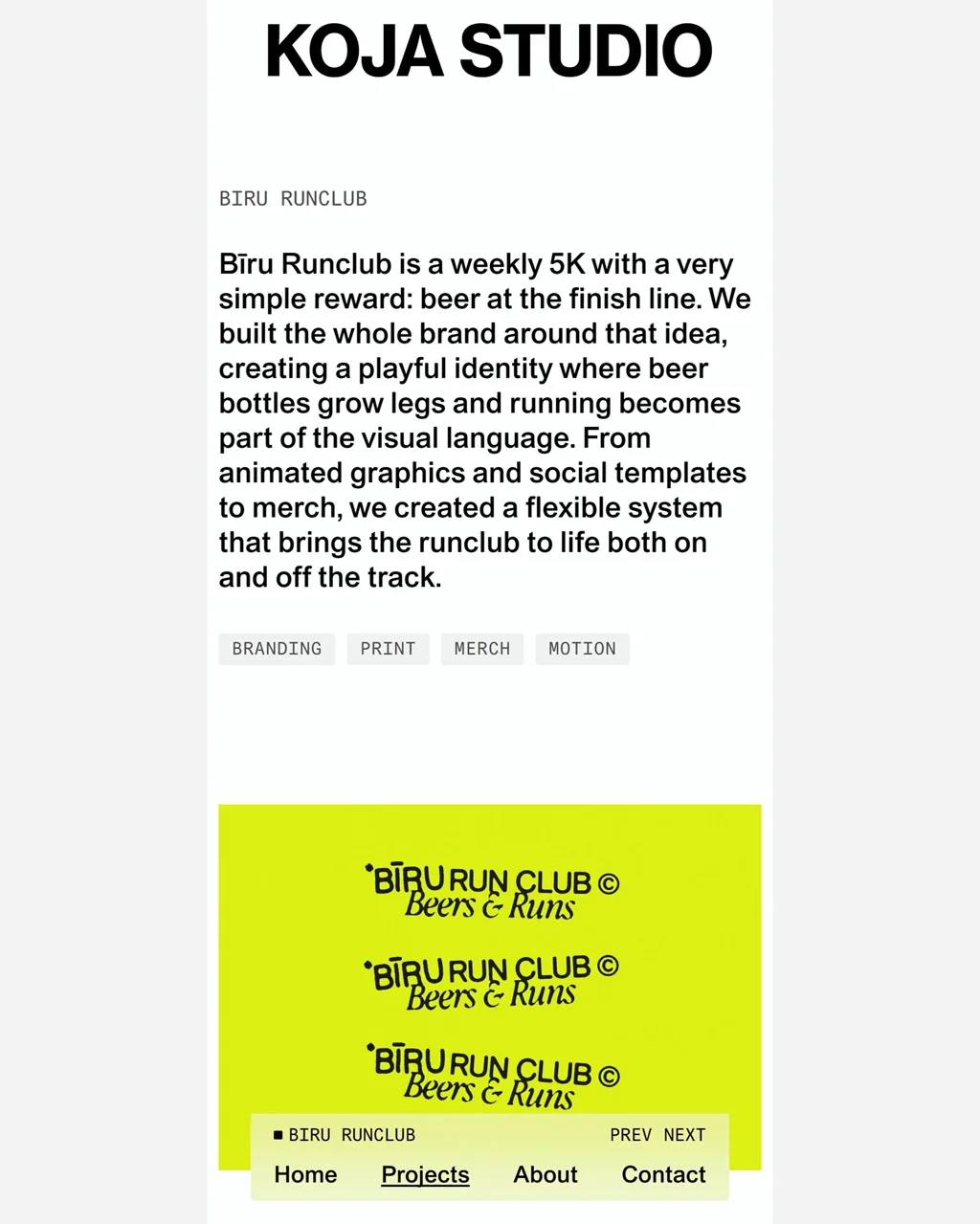
On a phone, the Biru Runclub project page is swiped past its images, and Next in the bottom bar fades to the Japanese Headspa project.
Koja Studio home page: a short studio introduction at the bottom left and a Biru Runclub project image at the right
Koja Studio home page scrolled to three project tiles: Soul & Själ, Japanese Headspa and Scandi PR Group
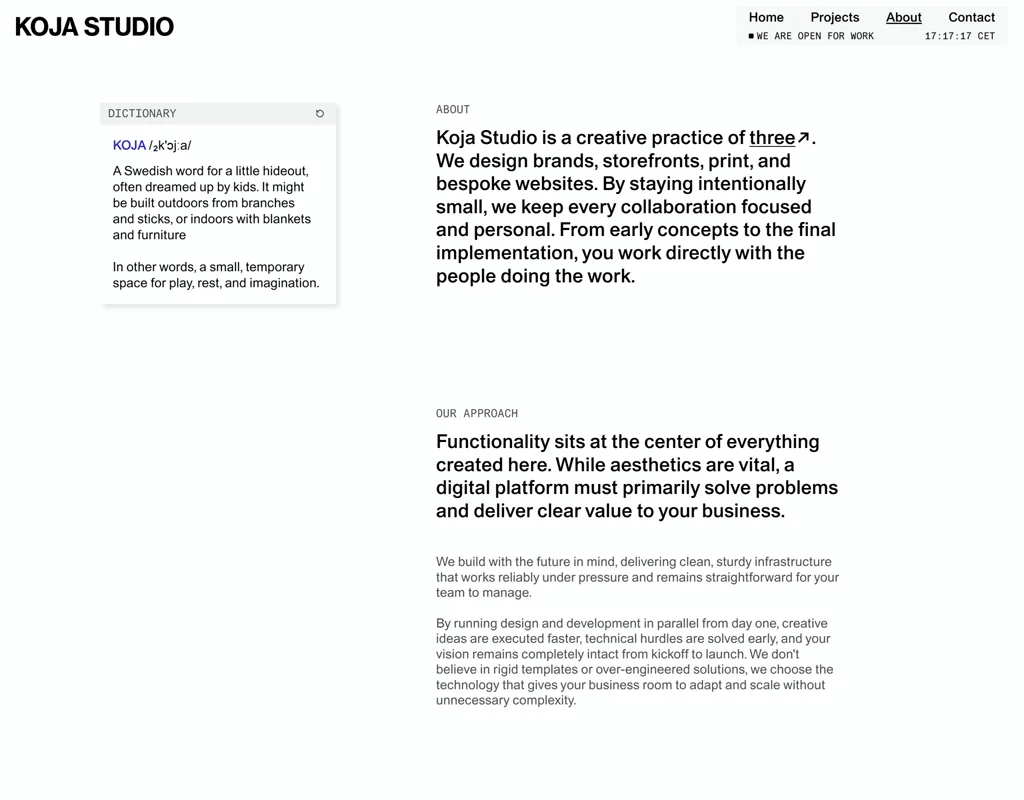
Koja Studio about page: a small dictionary window defining the word koja beside the studio's introduction
Three phone screens on black: the home page, the projects list and the Rush project page
Koja Studio about page, What we do section: a project showcase window beside lists of design, web and strategy services
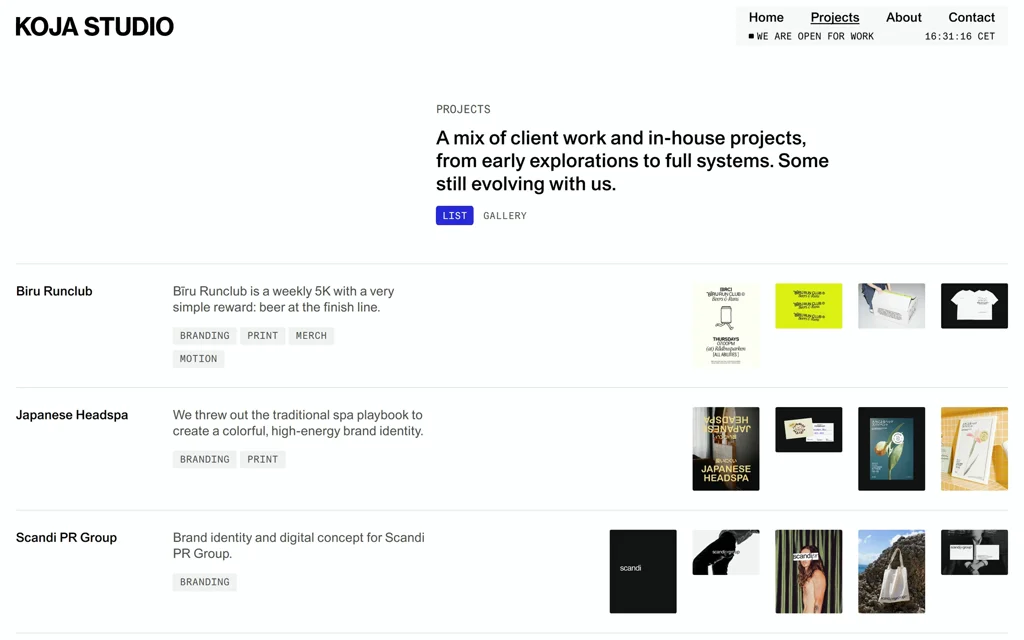
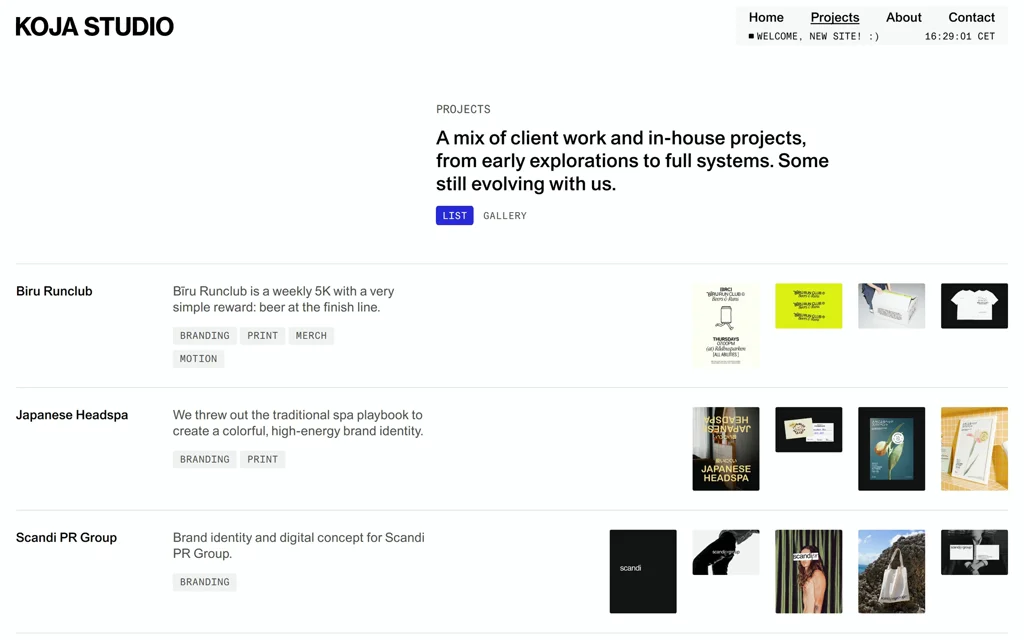
Koja Studio projects page in list view: one row per project with its description and four thumbnails
Koja Studio projects page in gallery view: project images of different sizes spread across a grid
Three phone screens on black: the about page, project tiles on the home page and the Borgvind Marin project page
Borgvind Marin project page on koja.studio: the project description above a wide photograph of billboards
Borgvind Marin project page scrolled to a screenshot of the client's website on a black background
Biru Runclub project page: a portrait photograph beside the run club's logo on black
Three phone screens on black: the projects gallery, the process section of the about page and the Biru Runclub project page
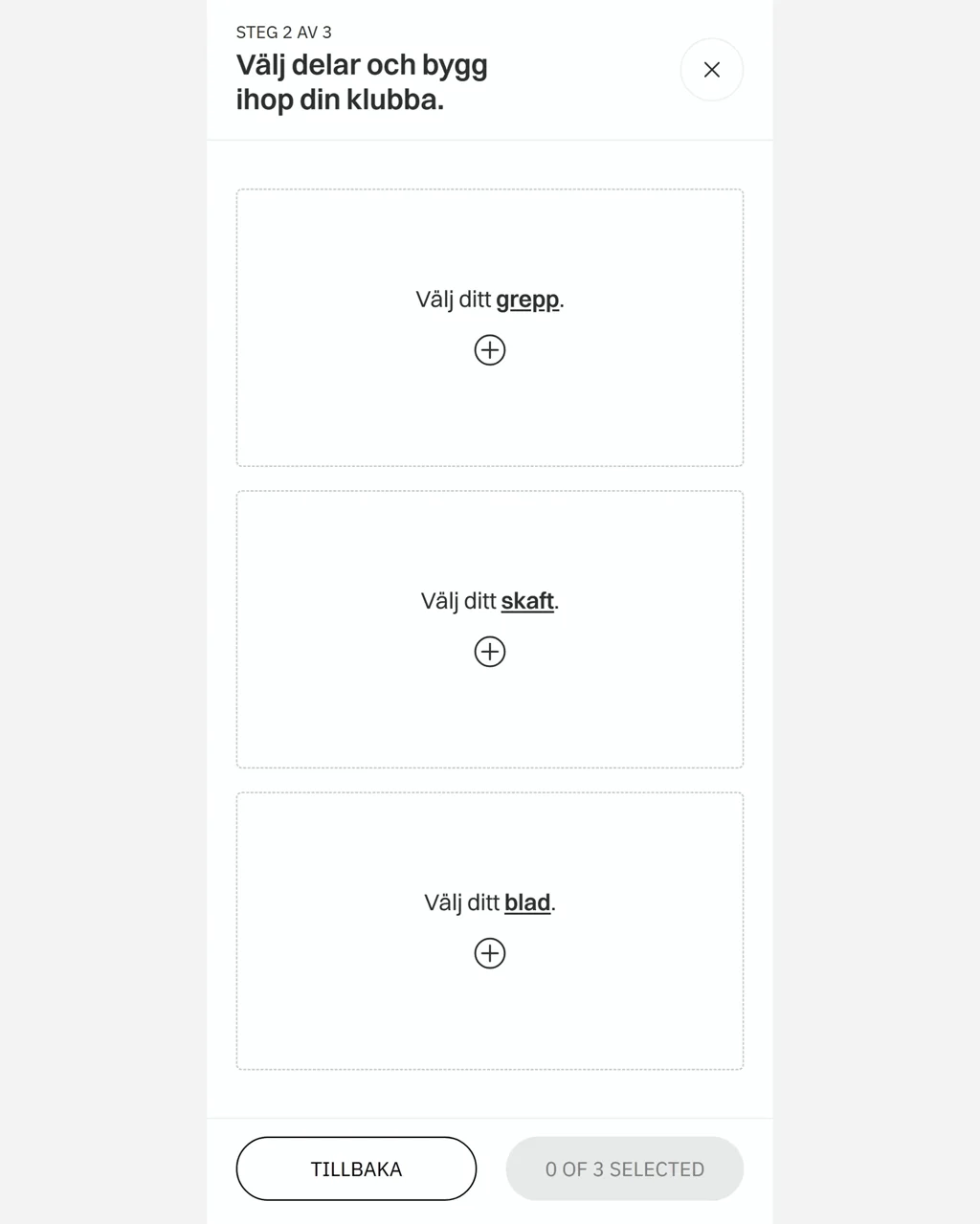
In the stick builder on a wide screen, Oxdog is chosen as the brand, the blade slot opens a list of blades, one is opened, the left hand is picked, and the blade is added to the stick.
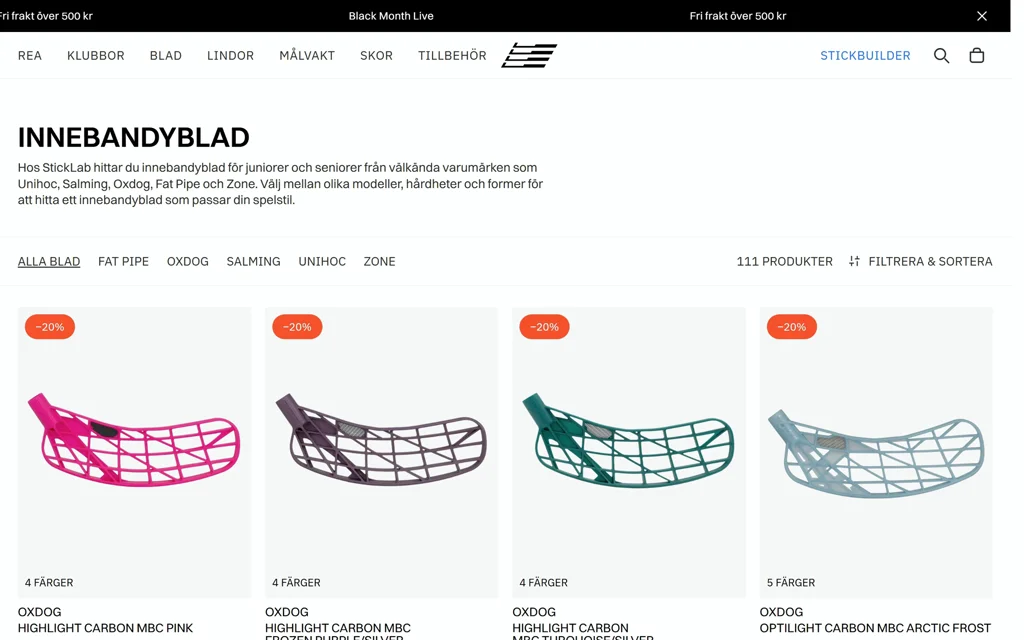
On the blades collection, the filter panel opens, the brand Zone is chosen, the sort order is set to price, low to high, and the panel closes on the results.
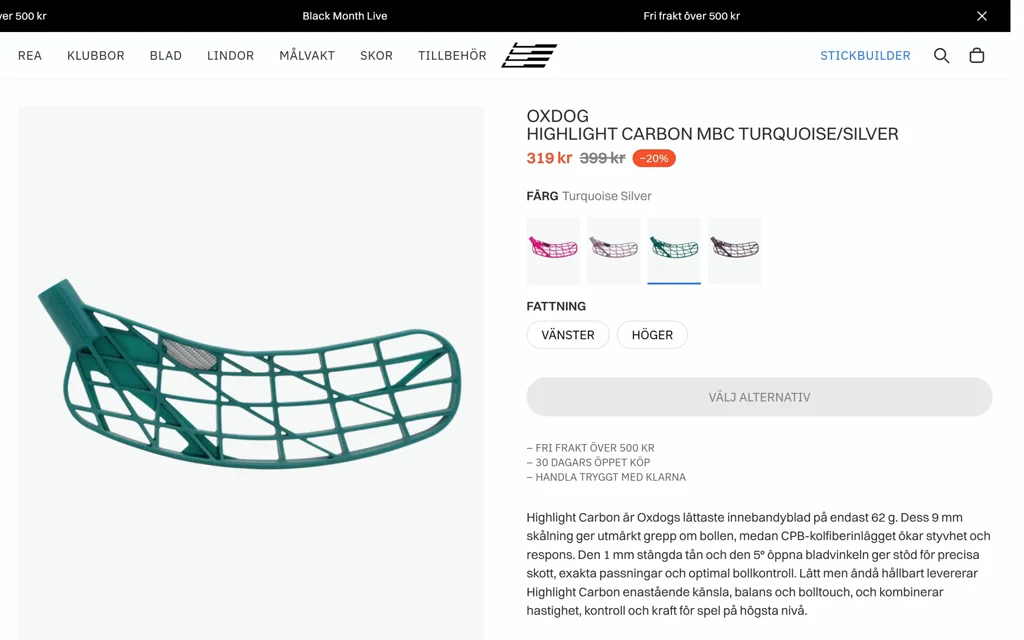
On a blade's product page, choosing the left hand enables the buy button, and the photos scroll past the buy box, which stays in place.
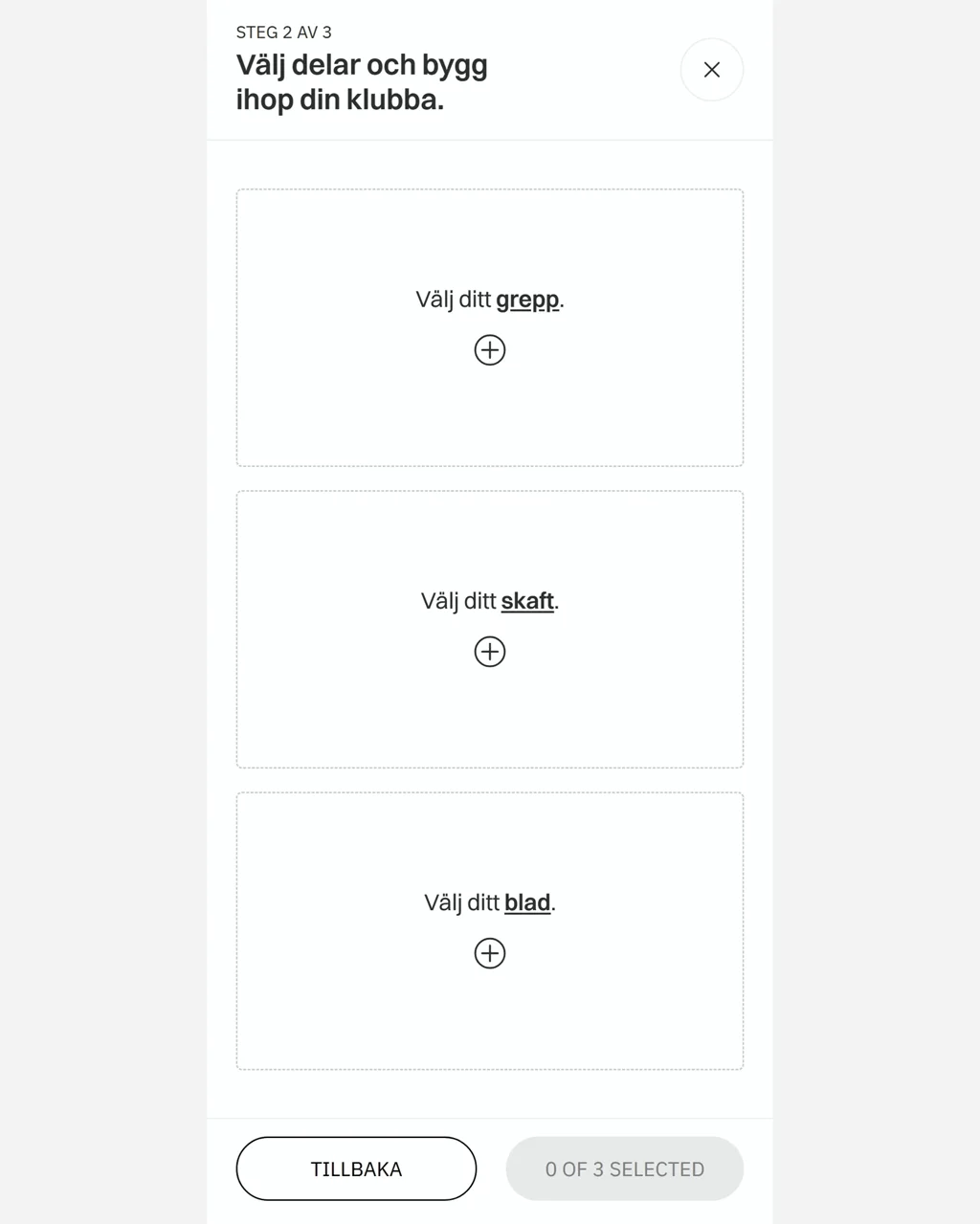
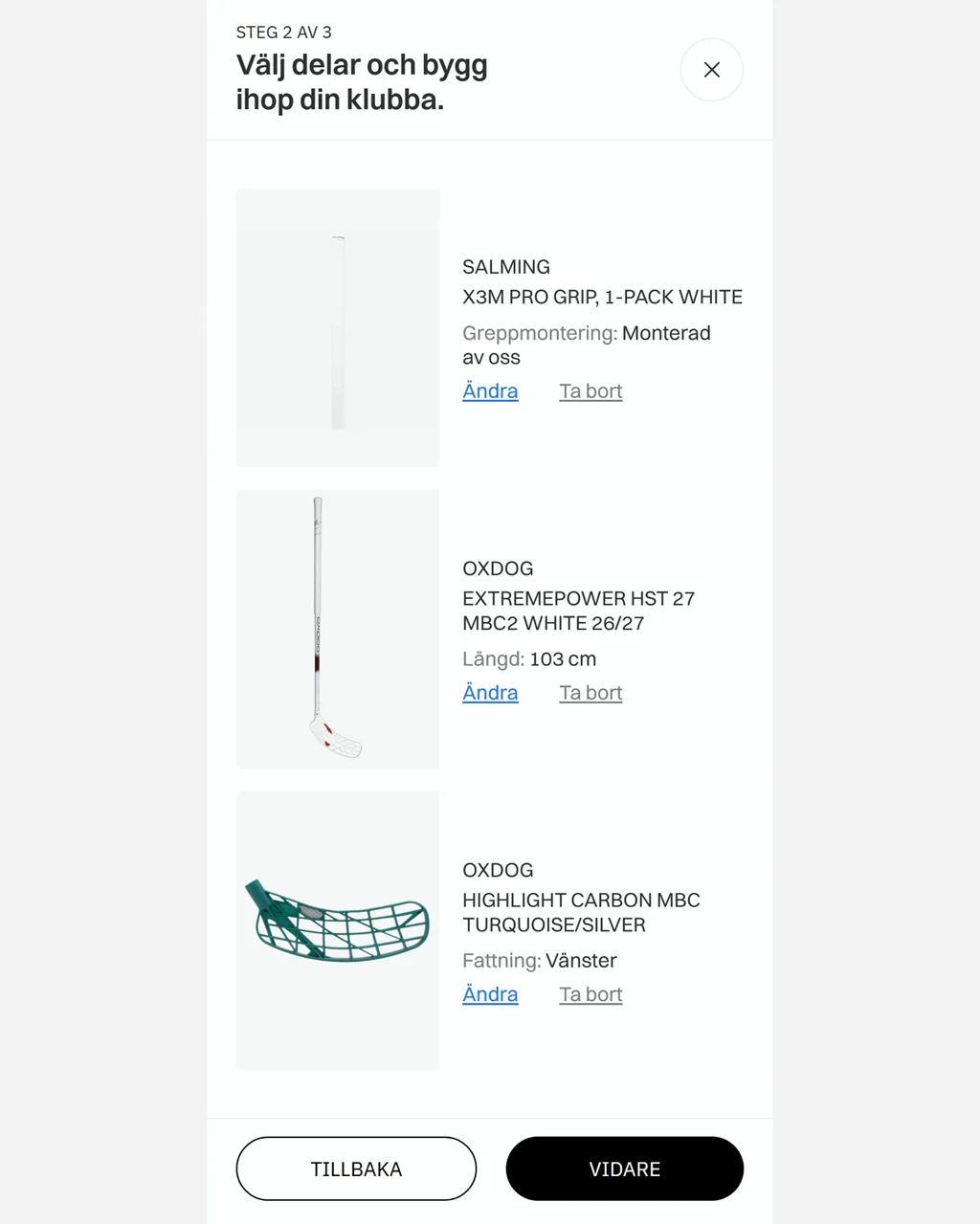
In the stick builder on a phone, the blade slot opens a sheet of blades, one opens in a second sheet, the left hand is picked, and the blade takes its place on the stick.
On a phone, a shaft is opened in its sheet, the 103 cm length is chosen, the cut slider is dragged out and back a little, and the shaft is added to the stick.
On a phone, with grip, shaft and blade chosen, the builder goes to its summary and the stick is added to the cart.
Sticklab home page: a dark photograph of a floorball stick's shaft with the offer 20% rabatt på hela sortimentet, under a header with the menu at the left and the logo in the centre
Home page scrolled to Nyheter, a row of four floorball sticks on light grey tiles with brand, name and price under each
The menu open as a white sheet over the left side of the home page, listing the stick collections by brand: Salming, Unihoc, Oxdog and Fat Pipe
Three phone screens on black: the home page, the open menu with seven entries, and the top of the sticks collection
Collection page Innebandyklubbor: the heading and a short description above a bar with the product count and the filter button, and a row of four sticks
The collection page dimmed behind a filter panel at the right, with availability, price, a list of sort orders and a button showing 17 products
Product page for a Zone stick: description at the left, a large photograph of the stick in the middle, and at the right the hand and length chosen above the buttons Lägg i varukorg and Anpassa i StickBuilder
Three phone screens on black: the collection grid in two columns, the filter sheet rising from the bottom, and a product page
The stick builder on a wide screen: at the left three cards for grip, shaft and blade with the shaft chosen, at the right a grid of blades to choose from
Three phone screens on black: the builder's start screen Bygg din klubba with its three steps, the brand step with four brand logos, and the stick with grip and shaft chosen and the blade still empty
Three phone screens on black: a sheet listing blades in two columns, a second sheet with one violet blade, and the filter sheet with a price range and sort orders
Three phone screens on black: a shaft's sheet with the cut ruler set to 3.5 cm, the hook step with two hooks to choose from, and the summary with four parts, a fee and the total
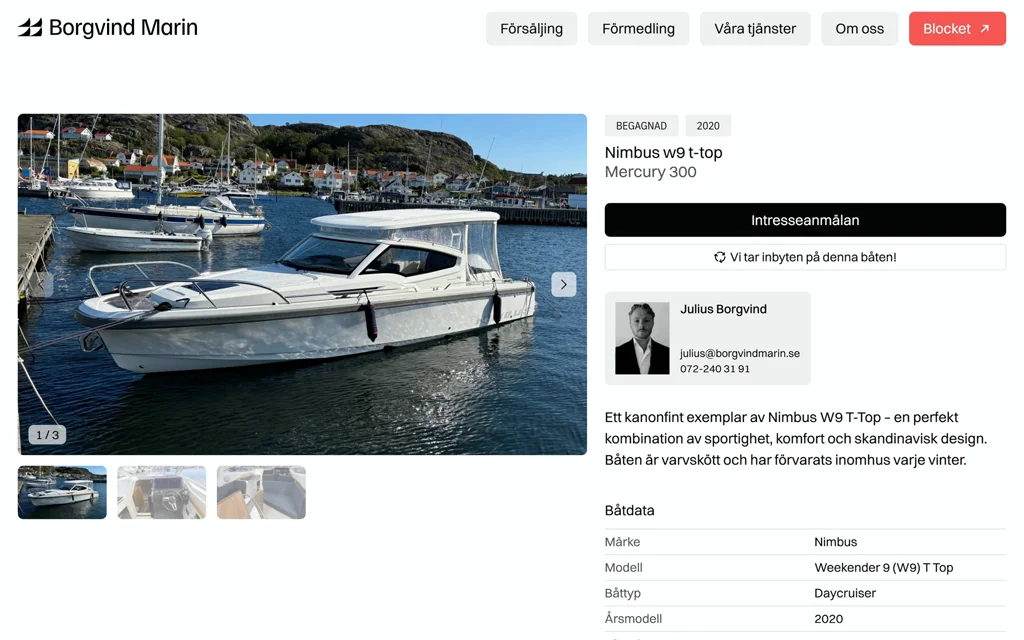
On a Nimbus W9 T-Top's page, the photo gallery steps forward two photos, the page scrolls to the spec sheet, and the first group of specifications opens.
On the listings page, the boat type filter opens, Walkaround and Styrpulpet are chosen, and the grid narrows to the matching boats.
The sell-your-boat form is filled in step by step: contact details, the boat and its engine, the asking price and location, ending on the last step. Nothing is sent.
On a phone, the filter sheet opens over the listings, Walkaround and Styrpulpet are chosen, and the filtered boats are swiped through.
Borgvind Marin home page: the heading Din båtpartner på Västkusten above a wide photograph of a motorboat at sea
Borgvind Marin home page scrolled to a row of four boats for sale, with the services section starting below
Borgvind Marin home page: an aerial photograph of a marina beside a short text about the company
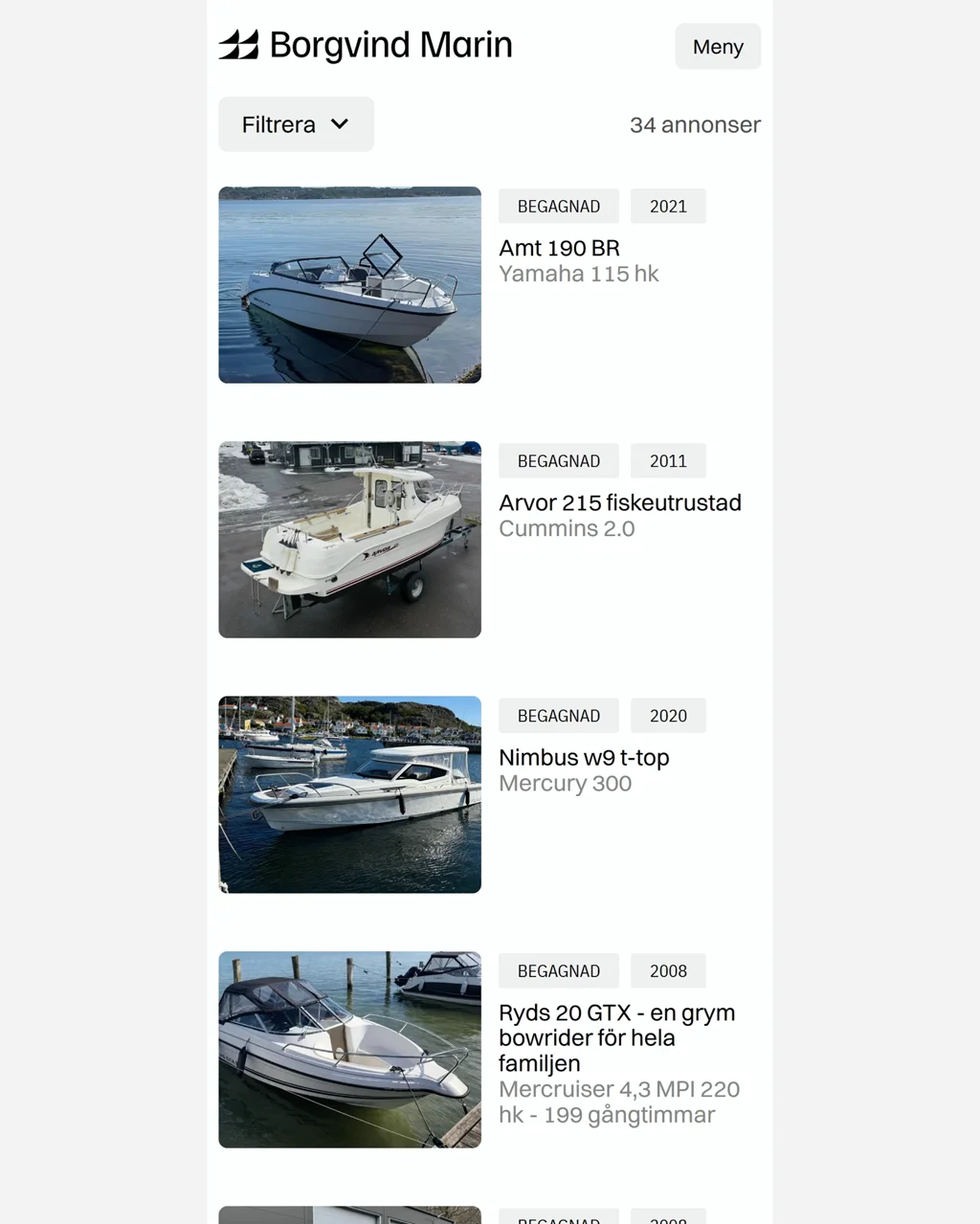
Three phone screens on black: the home page, the listings and a boat page
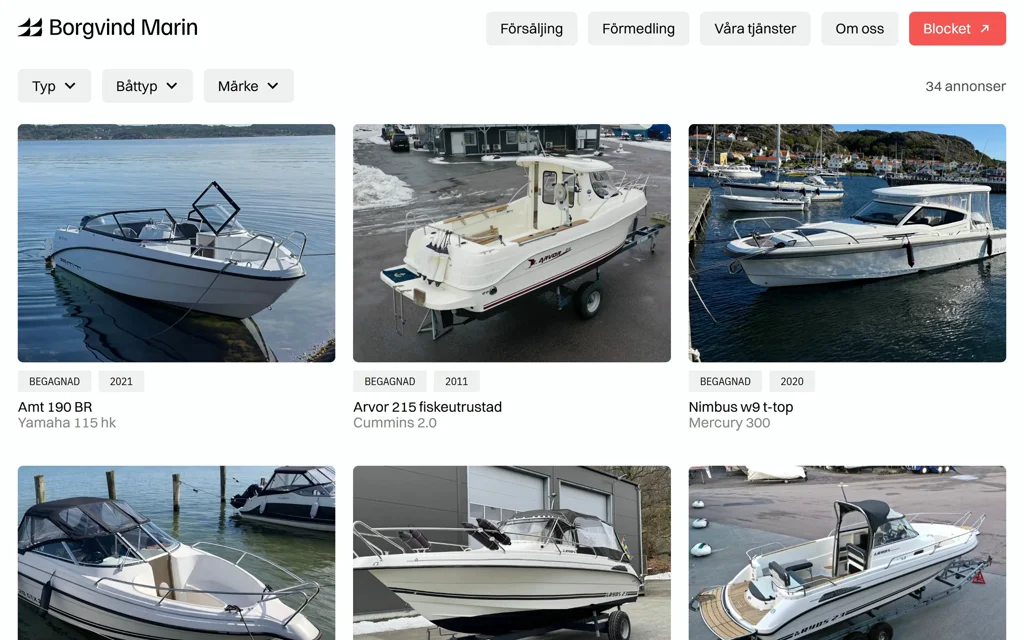
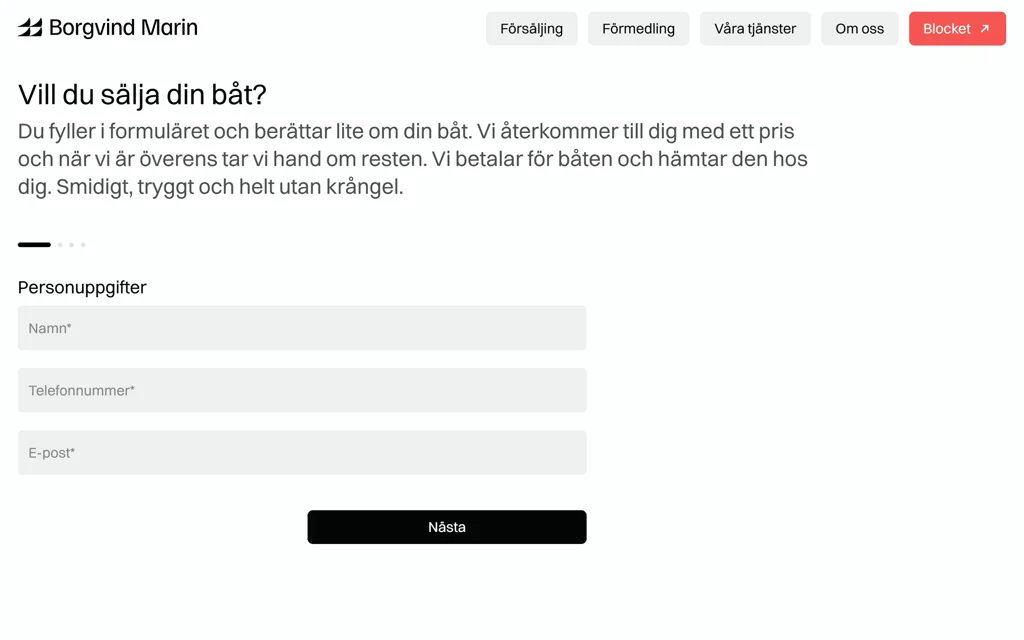
Borgvind Marin listings page: filter buttons for type, boat type and brand above a three-column grid of 34 boats
Listings page with the boat type filter open and Walkaround chosen; the grid shows the six matching boats
Boat page for an Aquador 23 DC: a large photograph with thumbnails beside the title, an enquiry button, the seller's contact details and the description
Three phone screens on black: the open menu, the filter drawer with Walkaround chosen and a boat's spec sheet
Boat page for a Nimbus W9 T-Top scrolled to its spec sheet: boat data, engine data and equipment groups, the first one open
Enquiry dialog over a boat page: fields for name, email, phone and message, and a send button
Sell your boat page: step two of a four-step form, with the boat's make, model and engine filled in
Three phone screens on black: the services page, boats for sale on the home page and the sell-your-boat form
The Alva logo of concentric arches draws itself on the black home page. Then the gallery: the pointer moves over the portraits, the page scrolls to the second row, and one opens as a project page with its photograph.
Over the gallery, the menu opens across the whole page, the pointer runs down its links from About to Contact, and the menu closes.
An H&M lookbook page scrolled from its first image down to the Alva wordmark in the footer.
The about page scrolls past a moving row of agency logos to a carousel of principles, where the next arrow brings in the third card.
On a phone, the gallery is swiped through, one project is tapped open and its page is swiped down.
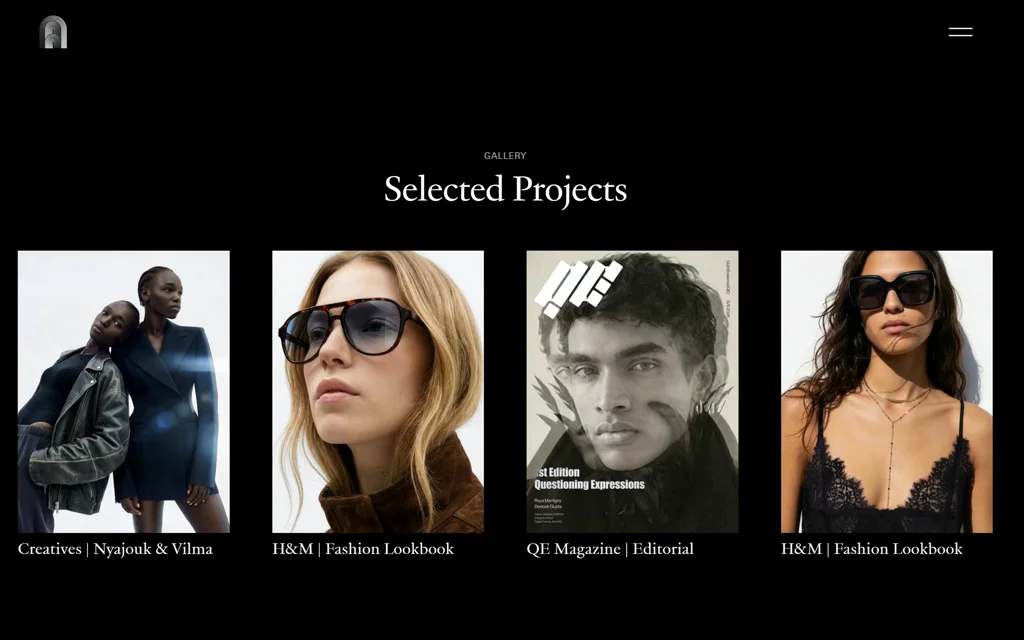
Alva INC gallery page on black: a row of four portrait images of models with a serif caption under each, Editorial - QE Magazine and three Fashion Lookbook - H&M, and the top of a second row
Project page: the serif heading Editorial above the line Magazine: QE Quint Essence, and a magazine cover with a black-and-white portrait centred below
The open menu covering the page in black: About, Services, Gallery, Press, Contact and Login in a centred serif column
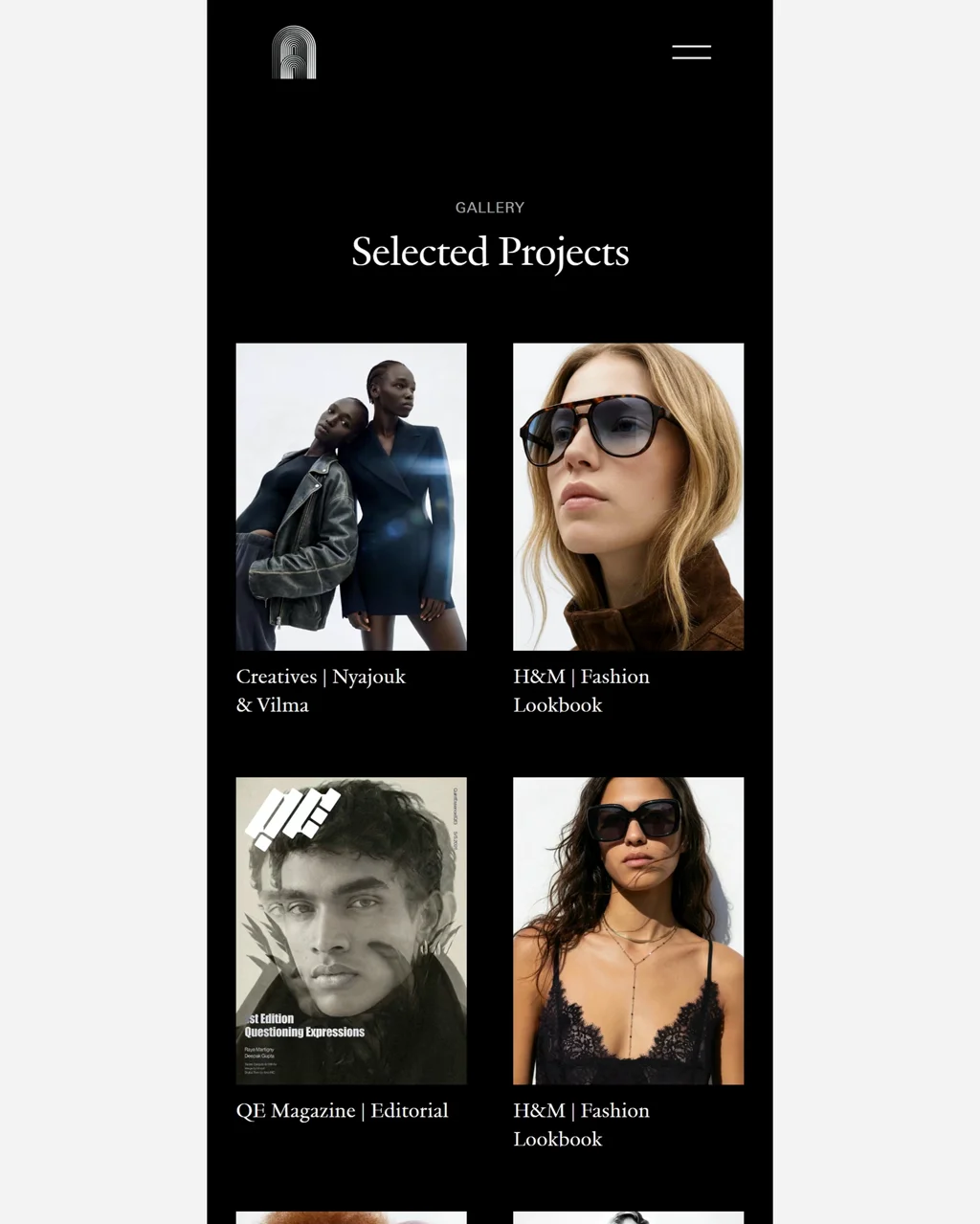
Three phone screens on black: the home page with the Alva logo of concentric arches, the open menu and the gallery in two columns
About page: the serif heading Alva is a Talent AI Company above a column of text, and a row of agency logos under the label Trusted by
Services page: the heading Our Platform above outlined cards in pairs, each with a title, an icon and a short text
Press page: the heading Conversations about our work above a ruled list of four articles with their publications, and a press kit with two downloads
Three phone screens on black: a project page with a magazine cover, the about page and the services page with its cards
The Soul & Själ home page opens: the photograph is revealed and the headline appears word by word, then the page scrolls down to the treatment cards.
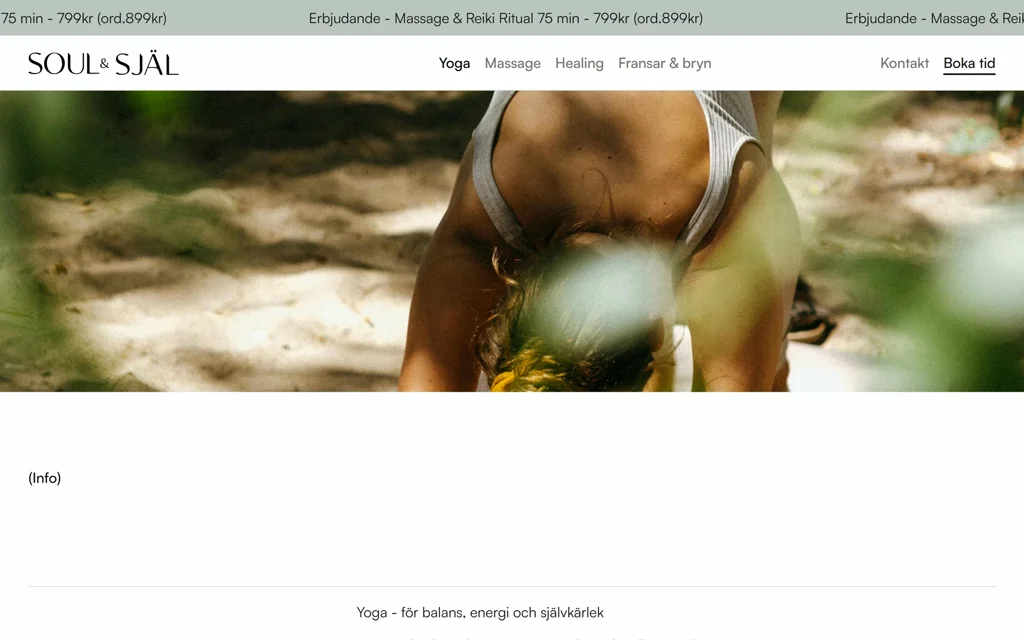
On the yoga page, Läs mer opens a class in a sheet, which scrolls to its times and prices and is closed again.
Kontakt in the header slides a contact drawer in over the page, a name is typed into the form, and the drawer is closed. Nothing is sent.
On a phone, the menu opens and leads to the yoga page, which is swiped down to the classes, and one class is opened.
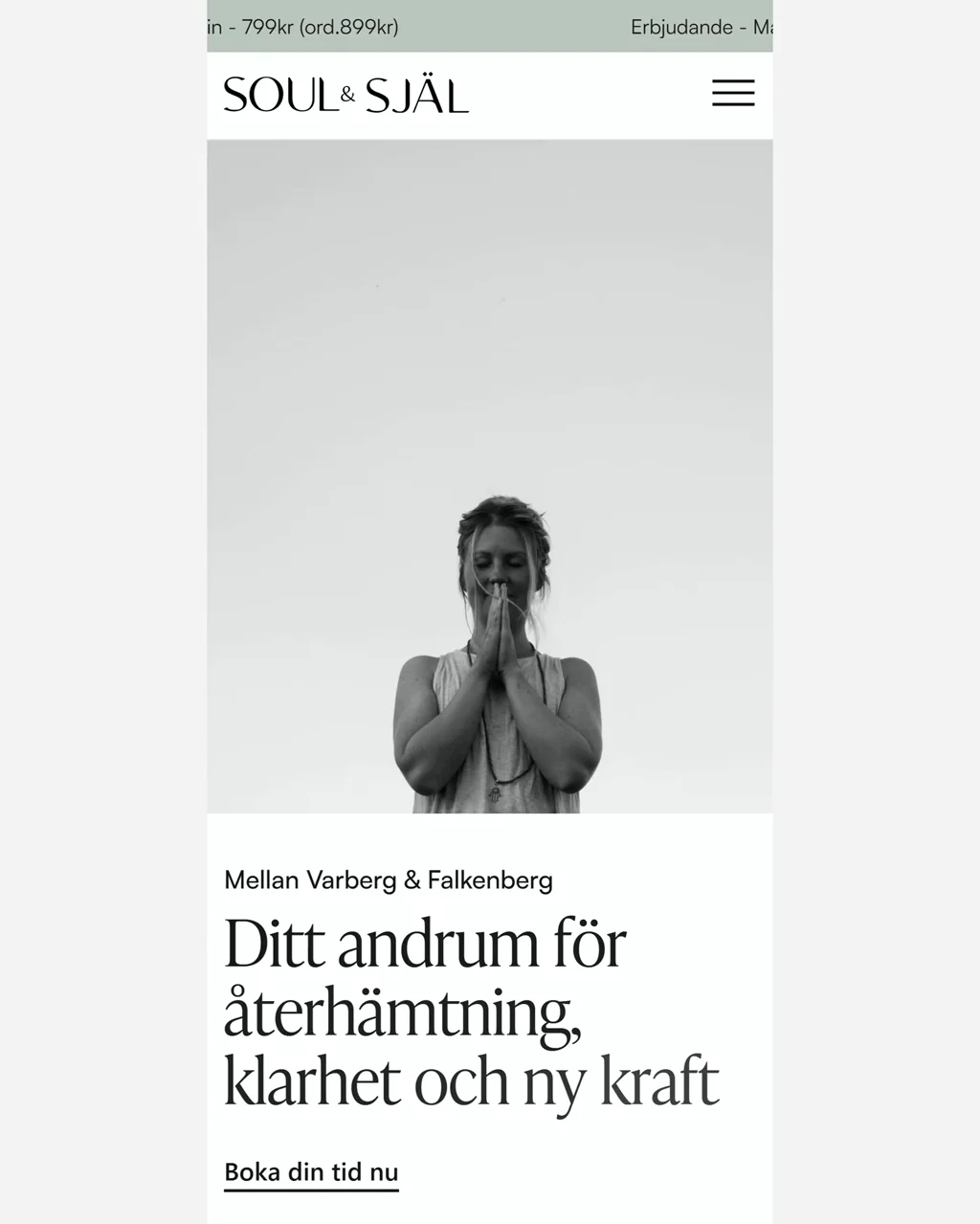
Soul & Själ home page: the serif heading Ditt andrum för återhämtning, klarhet och ny kraft beside a black-and-white photograph of a woman with her hands pressed together
Soul & Själ home page scrolled to a row of treatment cards: Yoga & Mindfulness, Massage and Healing, each with a photograph, a short text and a link
Soul & Själ home page: a large indented serif heading above a black-and-white photograph of raised hands and a text about the founder, Jonna Ahola
Three phone screens on black: the home page, the open menu on a sage green background and the top of the yoga page
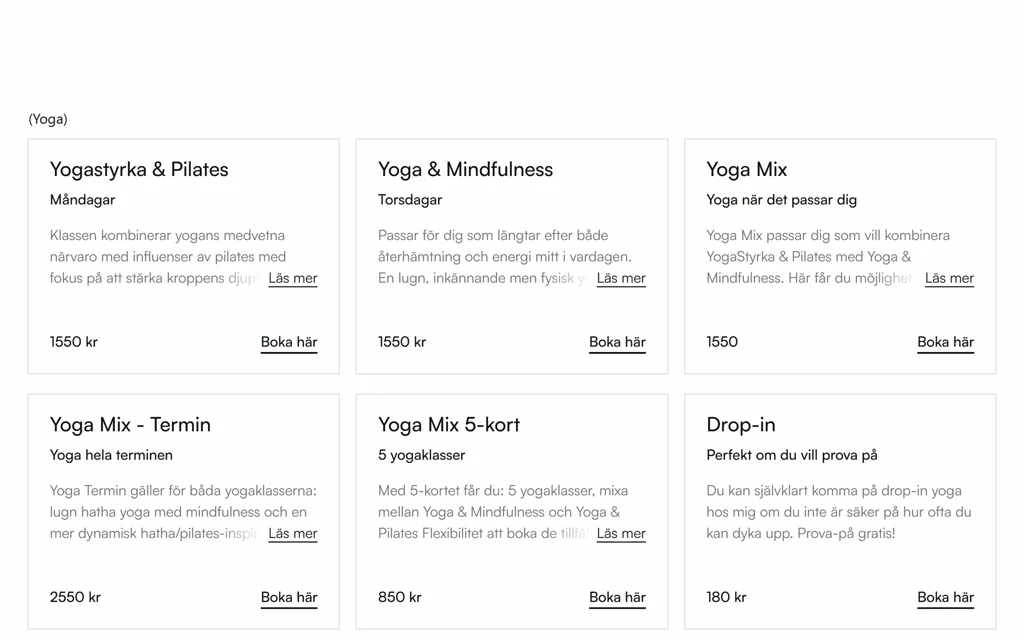
Yoga page scrolled to a three-column grid of classes, each card with a name, a short description, a price and a booking button
Contact drawer open over the right half of the massage page, which is blurred behind it: fields for name, phone, email and message, and a send button
Three phone screens on black: the yoga classes in one column, the yoga FAQ with the first question open and the booking form for a class
View project

Contact

joinski@icloud.com

Open email

Follow

  • Are.na
  • Savee
HomeProfileGallery